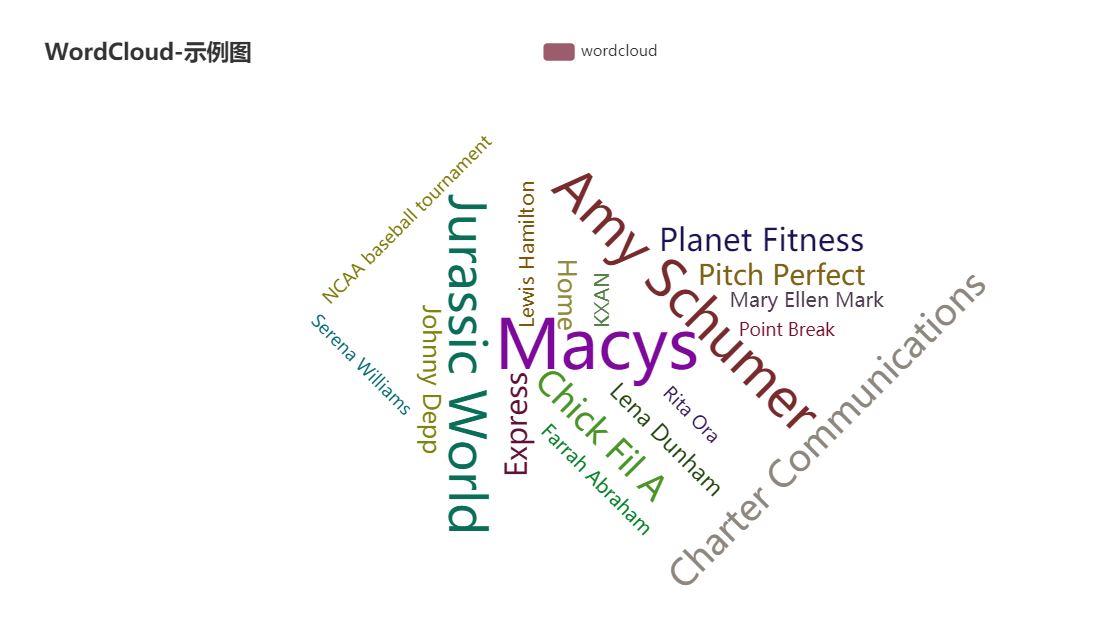
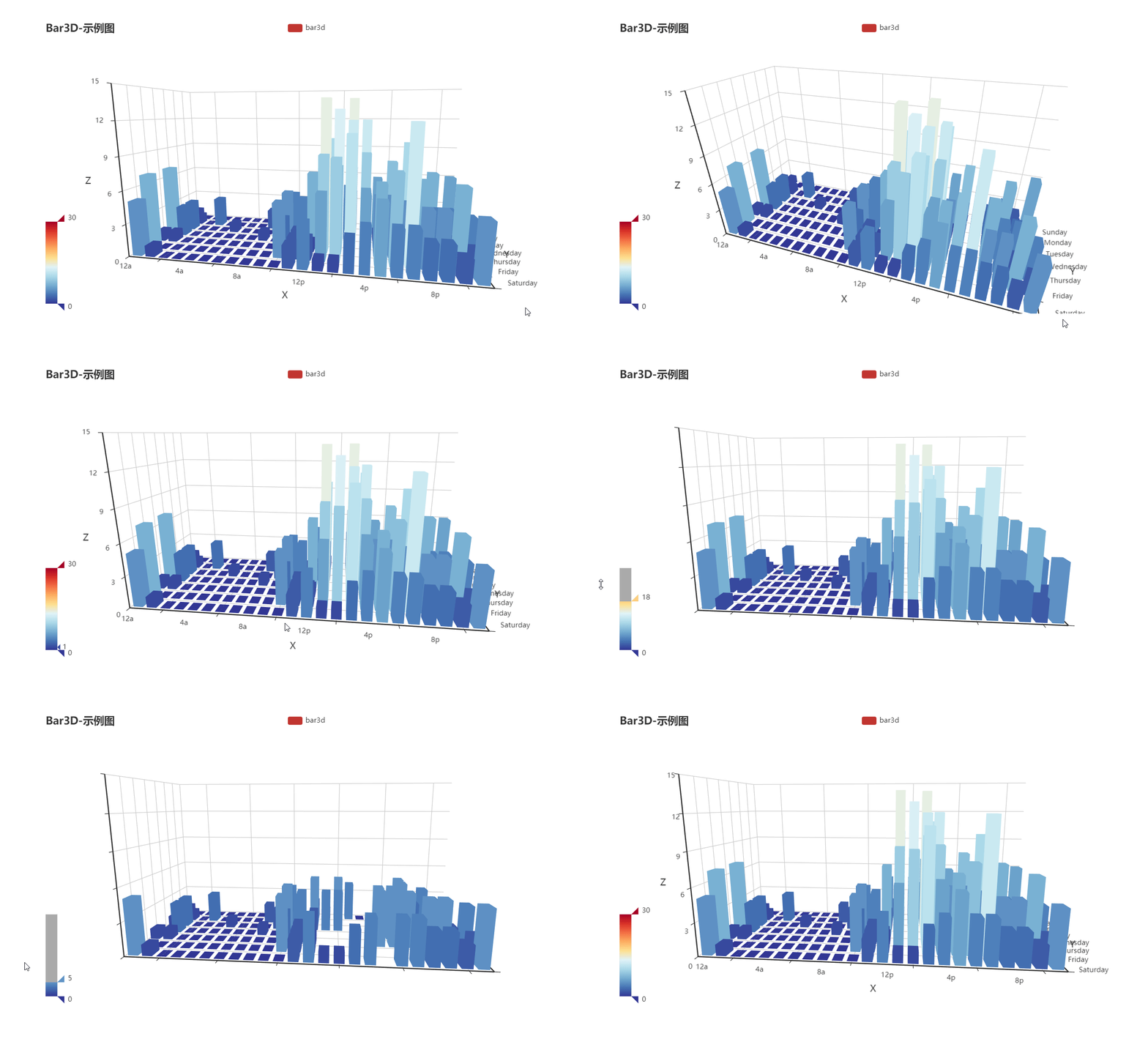
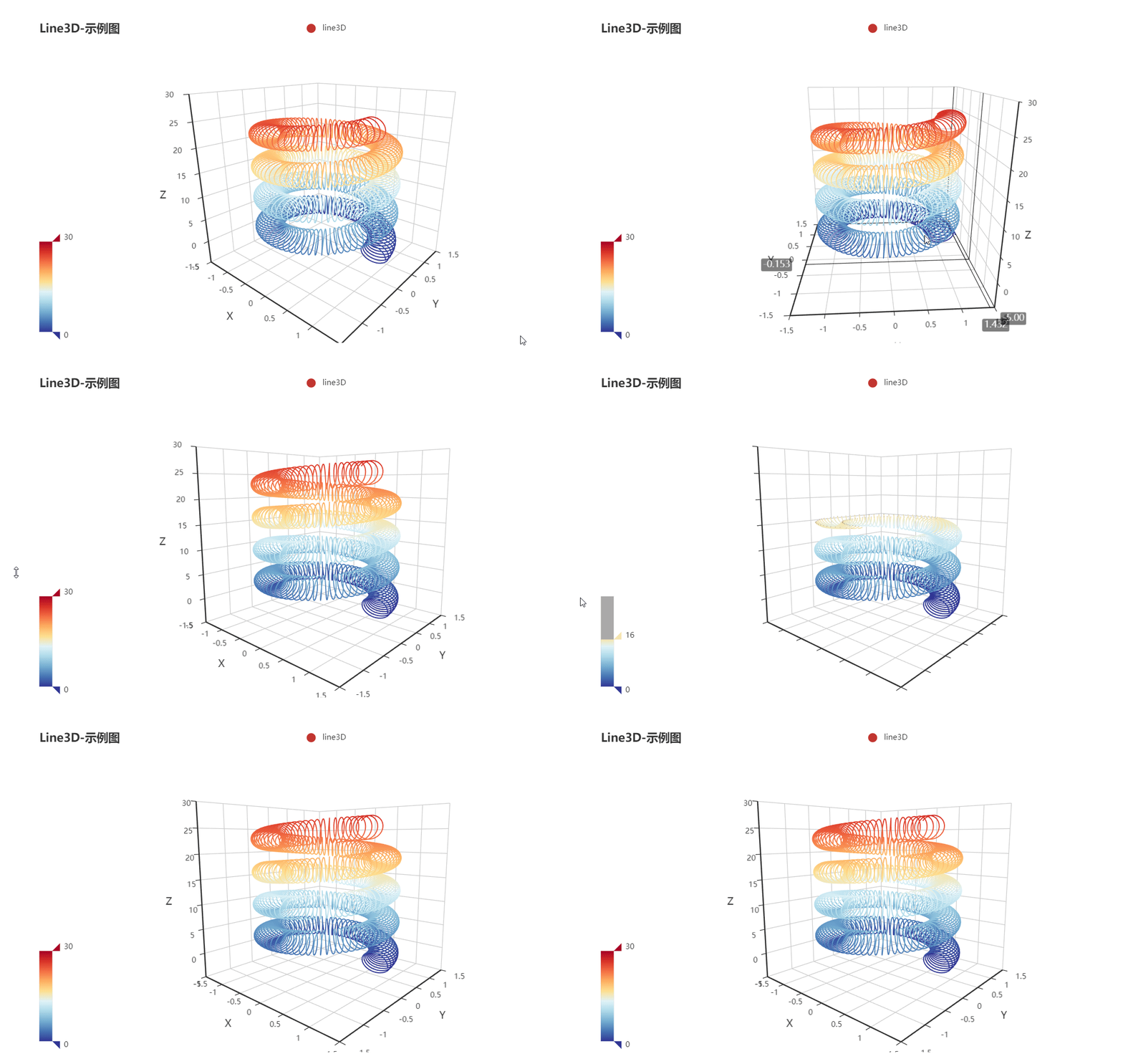
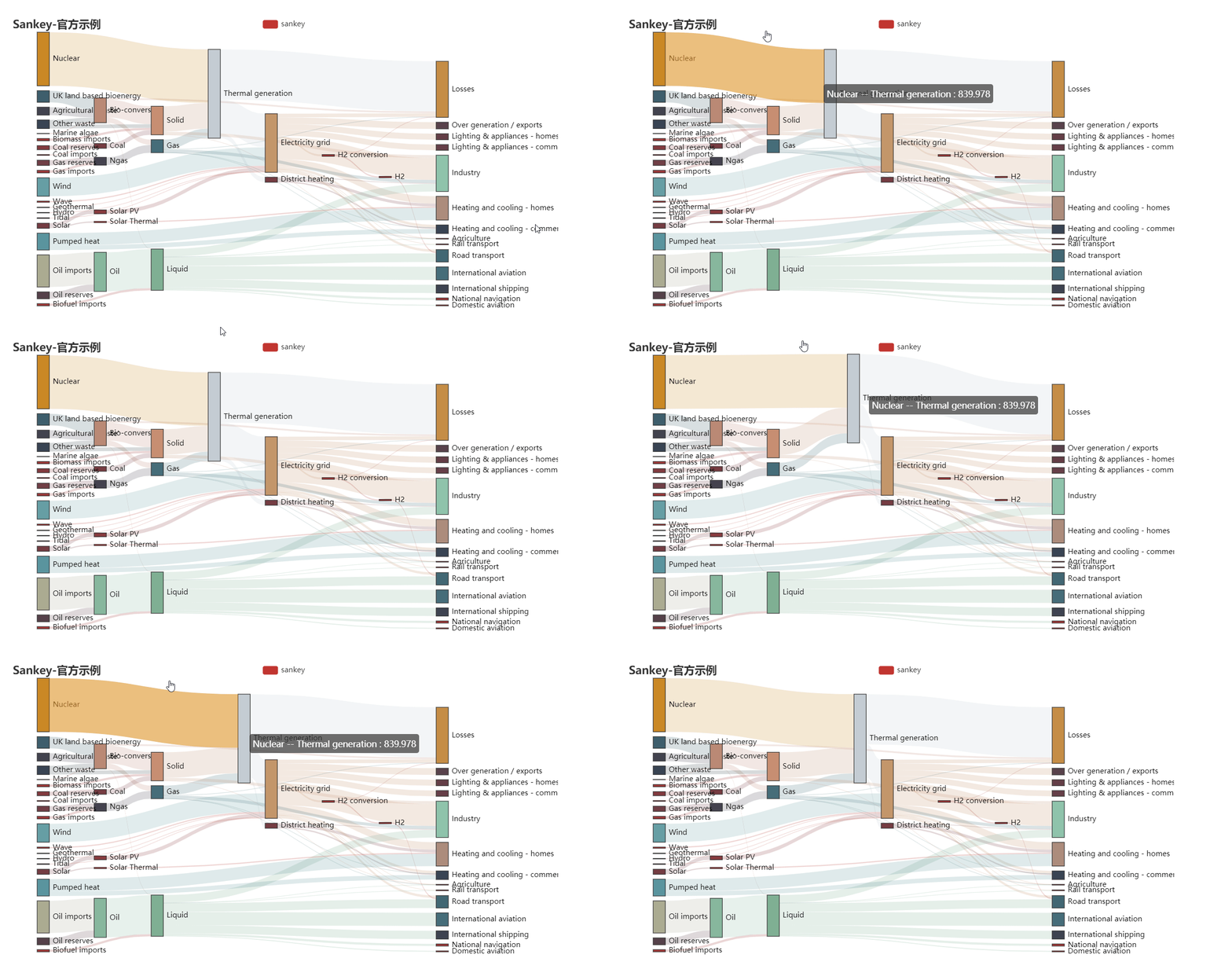
# flutter_echarts
**Repository Path**: liweilonggithub/flutter_echarts
## Basic Information
- **Project Name**: flutter_echarts
- **Description**: A Flutter widget to use Echarts in a reactive way.
- **Primary Language**: Unknown
- **License**: BSD-2-Clause
- **Default Branch**: master
- **Homepage**: None
- **GVP Project**: No
## Statistics
- **Stars**: 1
- **Forks**: 0
- **Created**: 2020-03-09
- **Last Updated**: 2024-05-29
## Categories & Tags
**Categories**: Uncategorized
**Tags**: None
## README
[中文](https://github.com/entronad/flutter_echarts/blob/master/README_CN.md)

[](https://pub.dev/packages/flutter_echarts)
*A Flutter widget to use [Echarts](https://echarts.apache.org/en/index.html) in a reactive way.*
# Features
**Reactive Updating**
The most exciting feature of Flutter widgets and React components is that the view could update reactively to the change of data. Thanks to Echarts' data driving architecture, flutter_echarts implemented a reactive way to connect chart with data. The chart will automatically re-render when the data in the `option` property changes.
**Two Way Communication**
The `onMessage` and `extraScript` properties provide a way to set event communication both from flutter to JavaScript or in controversy.
**Configurable Extensions**
Echarts has a lot of [extensions](https://echarts.apache.org/en/download-extension.html) . the `extensions` property allows you to inject the extension scripts as raw strings. In this way, you can copy these scripts to your source code, without concerning about the confusing assets dirs.
# Installing
Add this to your package's pubspec.yaml file:
```yaml
dependencies:
flutter_echarts: #latest version
```
Now in your Dart code, you can use:
```dart
import 'package:flutter_echarts/flutter_echarts.dart';
```
Details see [pub.dev](https://pub.dev/packages/flutter_echarts#-installing-tab-) .
# Usage
The flutter_echarts itself is very simple to use, just like a common statelessWidget:
> Details about the option is in the [Echarts docs](https://echarts.apache.org/en/option.html#title) or [Echarts examples](https://echarts.apache.org/examples/en/index.html)
```
Container(
child: Echarts(
option: '''
{
xAxis: {
type: 'category',
data: ['Mon', 'Tue', 'Wed', 'Thu', 'Fri', 'Sat', 'Sun']
},
yAxis: {
type: 'value'
},
series: [{
data: [820, 932, 901, 934, 1290, 1330, 1320],
type: 'line'
}]
}
''',
),
width: 300,
height: 250,
)
```
For an ios app, you need to add this entry to your Info.plist' `` tag:
```
io.flutter.embedded_views_preview
YES
```
A full example is here: [flutter_echarts_example](https://github.com/entronad/flutter_echarts/tree/master/example) .
# Widget Properties
**option**
*String*
*( required )*
The JavaScript Echarts Option for the chart as a string. The echarts is mainly configured by this property. You could use `jsonEncode()` function in dart:convert to convert data in Dart object form:
```
source: ${jsonEncode(_data1)},
```
Because JavaScript don't have `'''` , you can use this operator to reduce some escape operators for quotas:
```
Echarts(
option: '''
// option string
''',
),
```
**extraScript**
*String*
The JavaScript which will execute after the `Echarts.init()` and before any `chart.setOption()` . The widget has build a javascriptChennel named `Messager`, so you could use this identifier to send message from JavaScript to Flutter:
```
extraScript: '''
chart.on('click', (params) => {
if(params.componentType === 'series') {
Messager.postMessage('anything');
}
});
''',
```
**onMessage**
*void Function(String)*
Function to handle the message sent by `Messager.postMessage()` in `extraScript` .
**extensions**
*List\*
List of strings that coyied from Echarts extensions, such as themes, components, WebGL, languages, etc. You can download them [here](https://echarts.apache.org/en/download-extension.html) . Insert them as raw strings:
```
const liquidPlugin = r'''
// copy from liquid.min.js
''';
```
**theme**
*String*
You can download built-in themes [here](https://echarts.apache.org/en/download-theme.html) or build own custom themes with [this tool](https://echarts.baidu.com/theme-builder/) . Copy the theme script into the `extensions` param and register the theme name with this param.
**captureAllGestures**
*bool*
*( default: false )*
Whether the chart captures all gestures. Setting it ture is usefull when handling 3D rotation and data zoom bars. Note that will prevent containers like ListViews to act to gestures on the charts.
# Blog
[Reactive Echarts Flutter Widget](https://medium.com/@entronad/reactive-echarts-flutter-widget-fedab7f3c52f)
[A performance optimization of Flutter WebView](https://levelup.gitconnected.com/a-performance-optimization-of-flutter-webview-6afa1a5b4300?source=your_stories_page---------------------------)
---
If you have any suggestions or demands, please give an [issue](https://github.com/entronad/flutter_echarts/issues) .
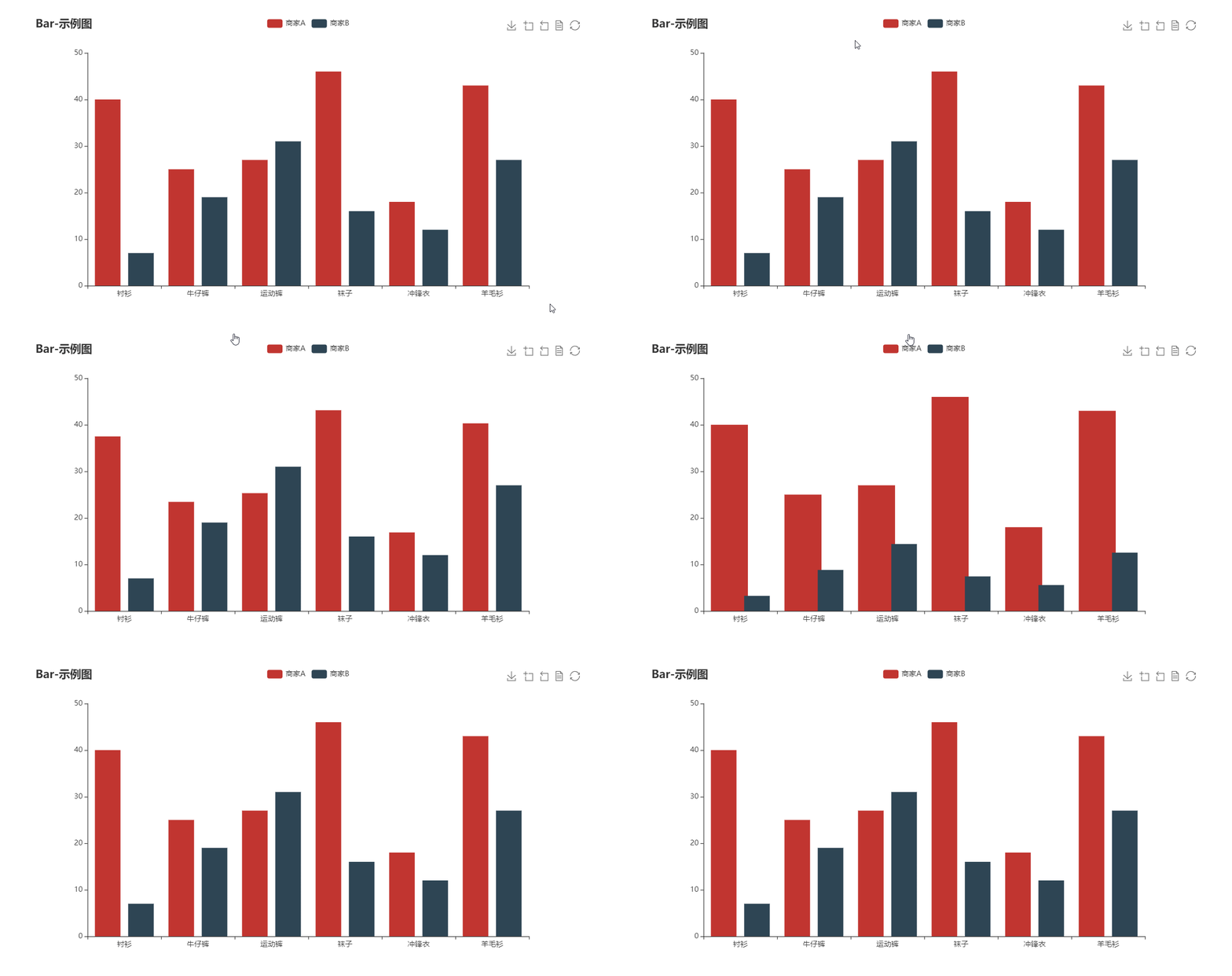
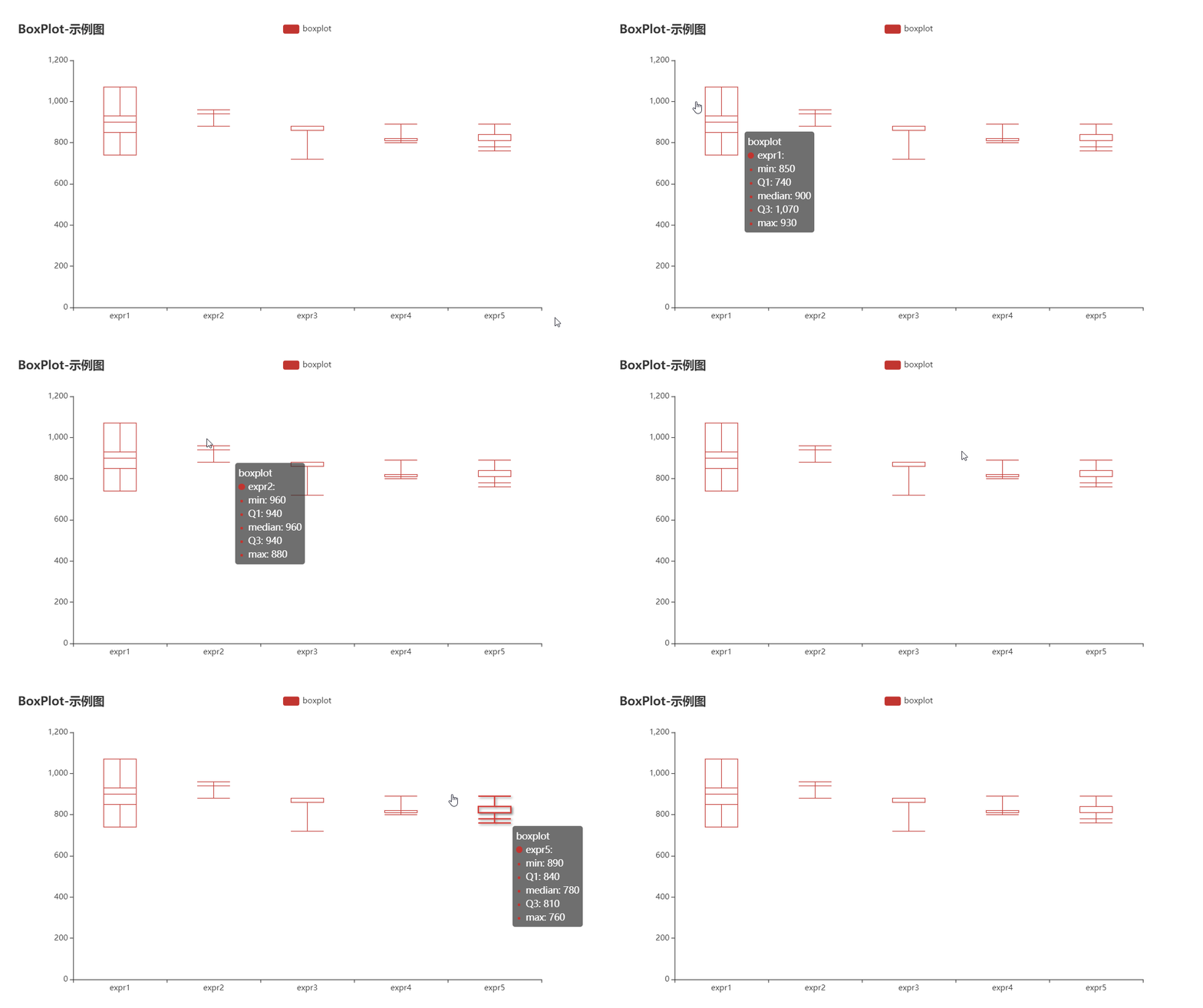
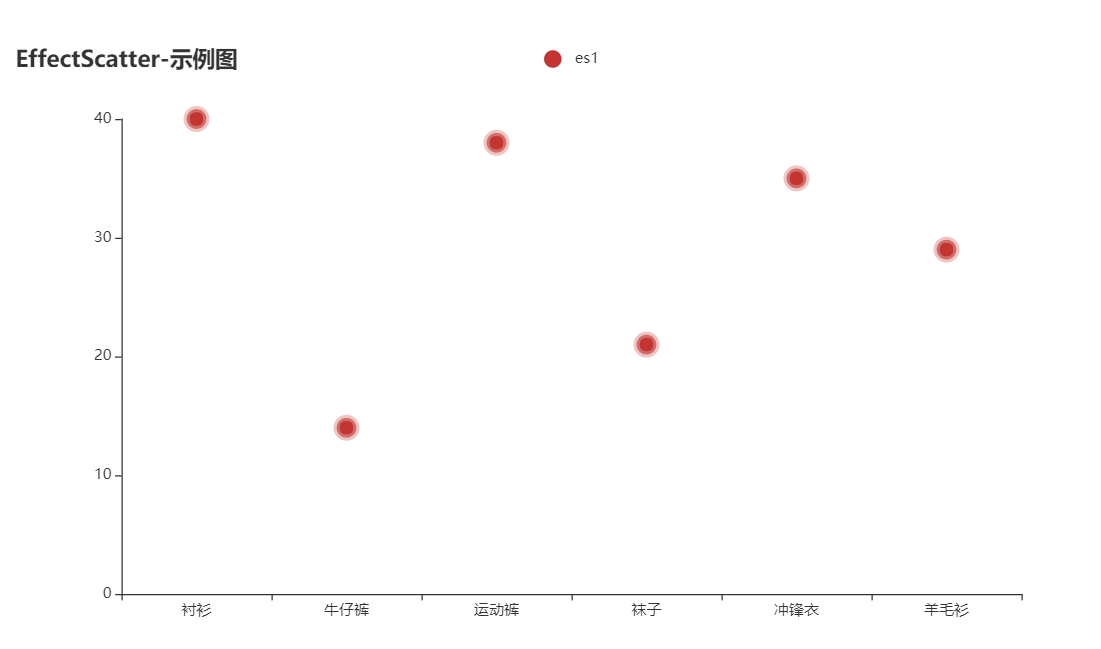
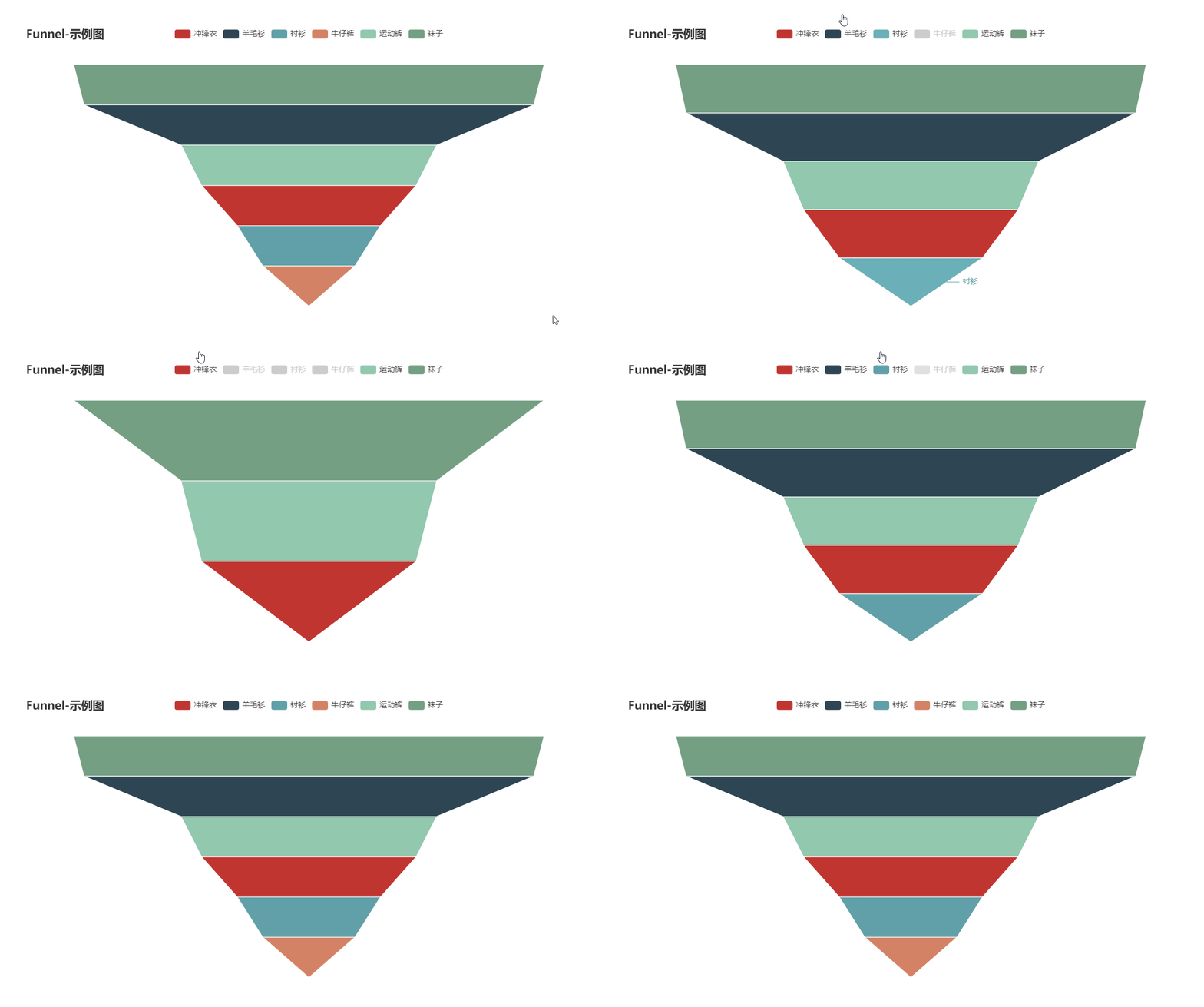
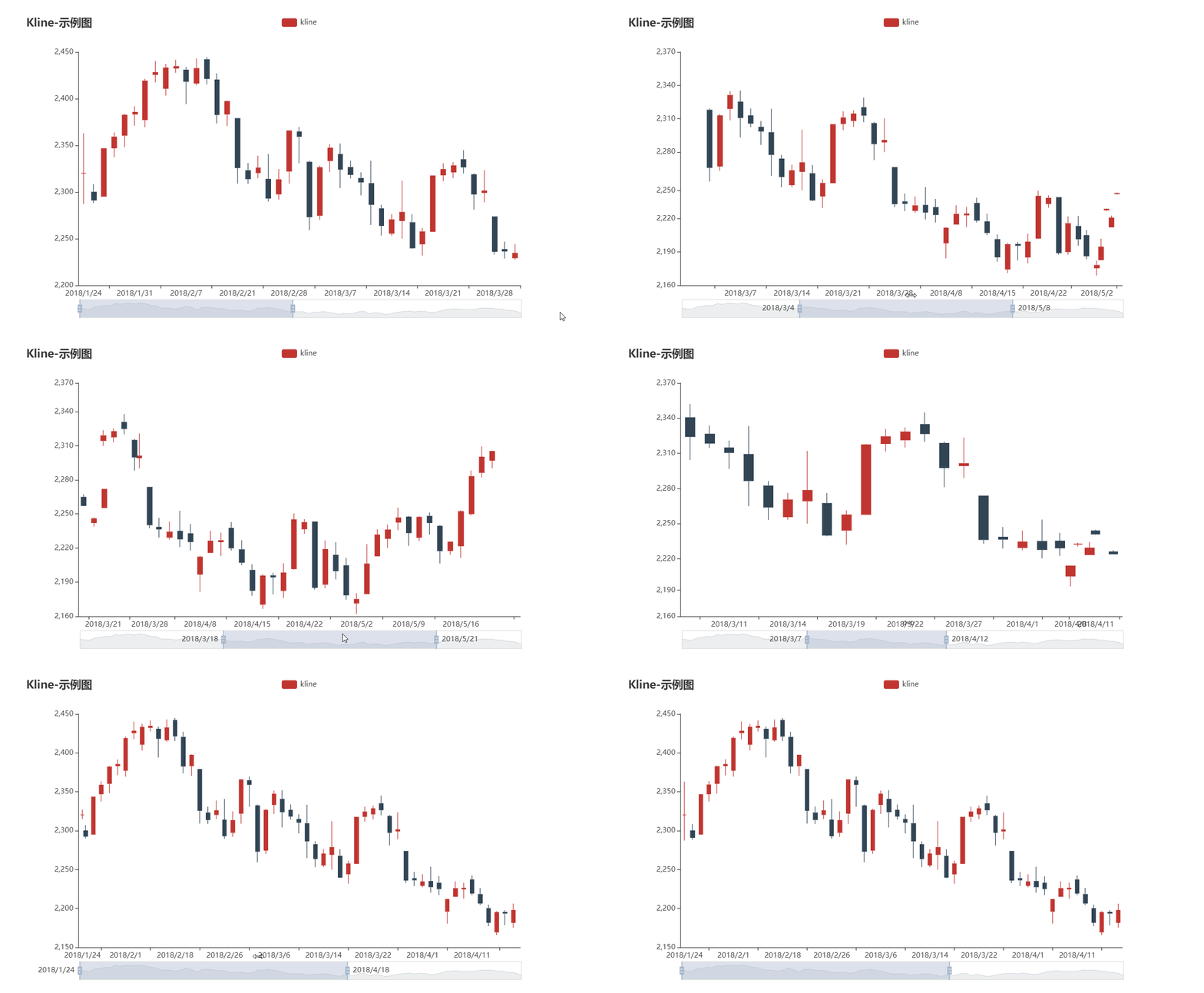
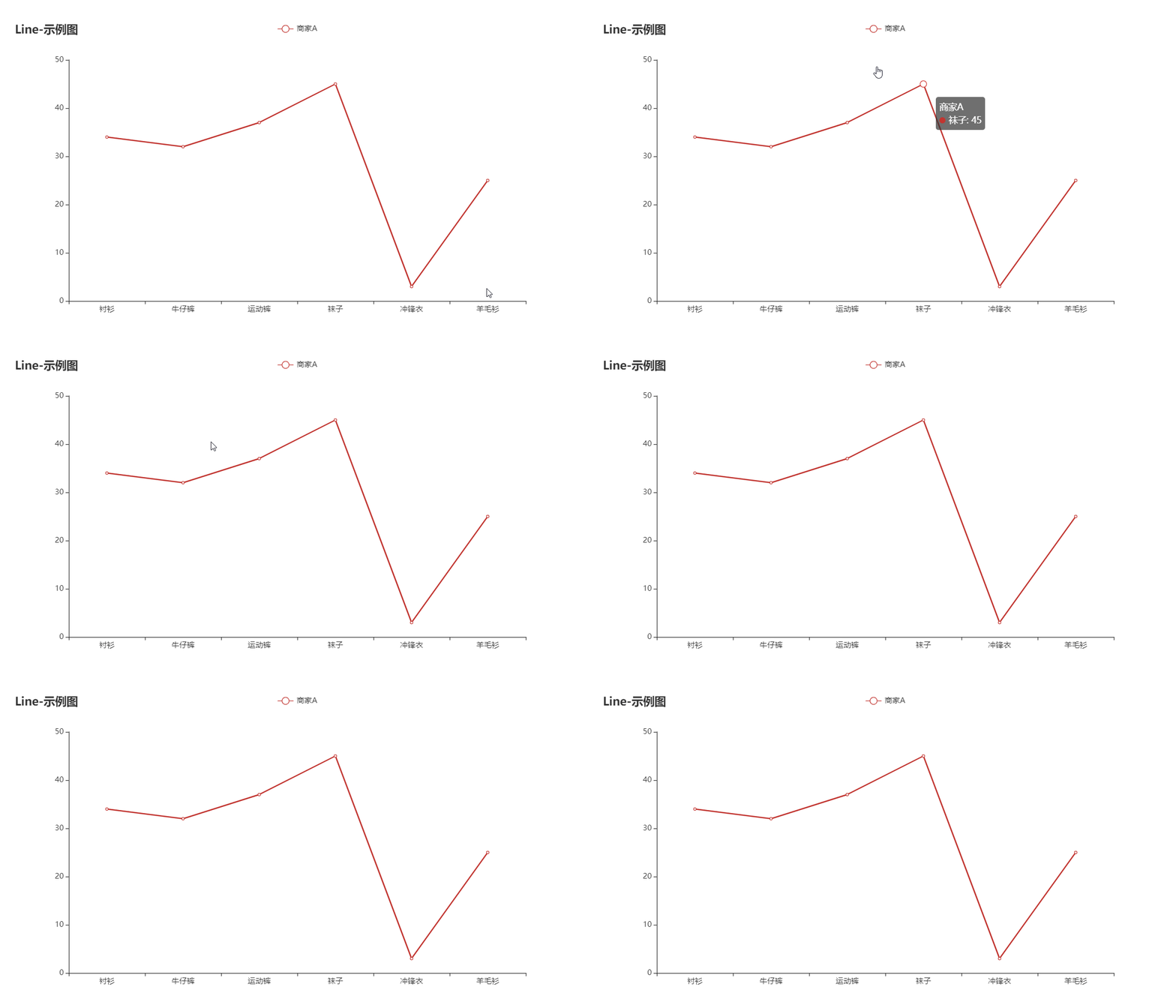
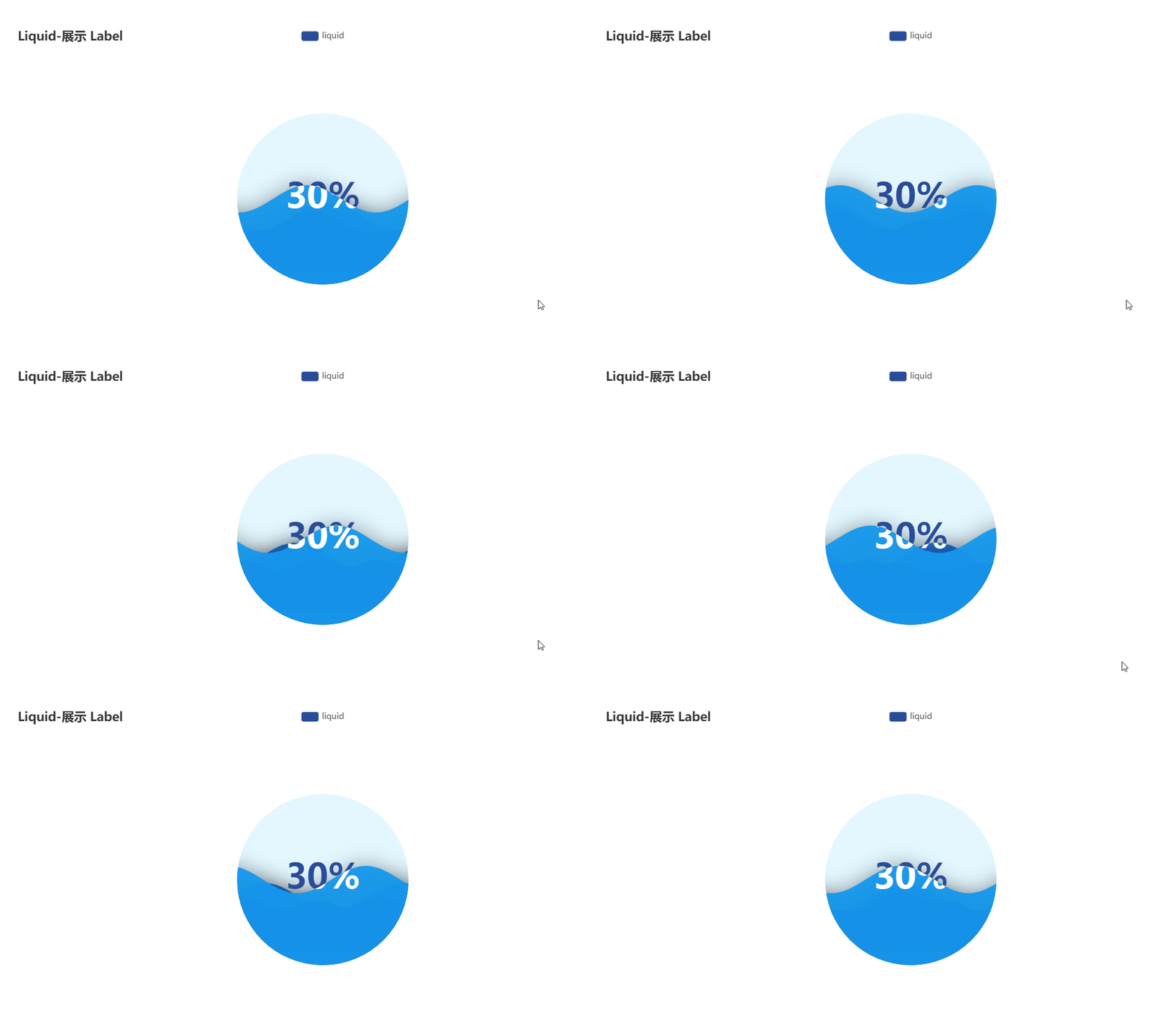
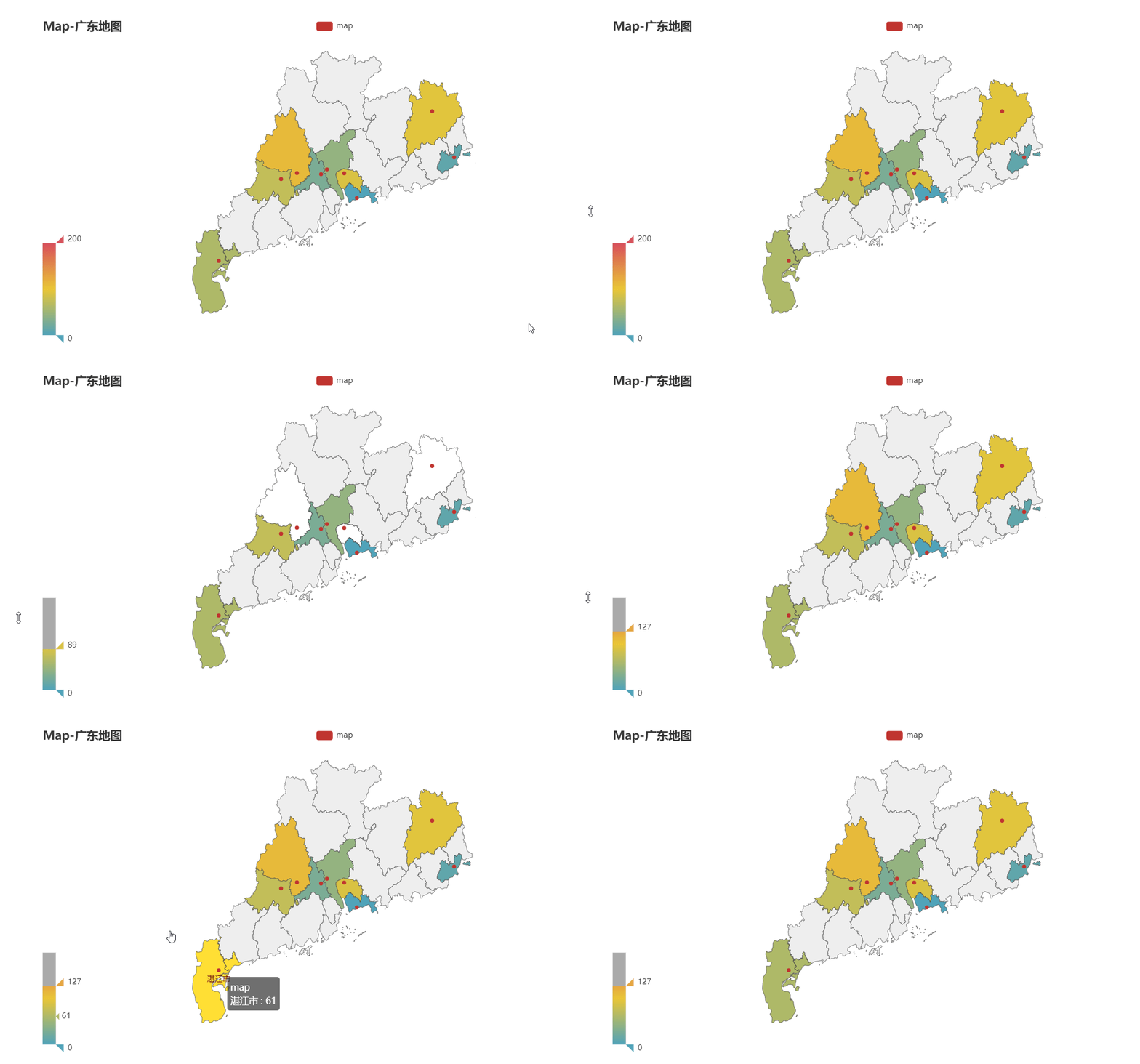
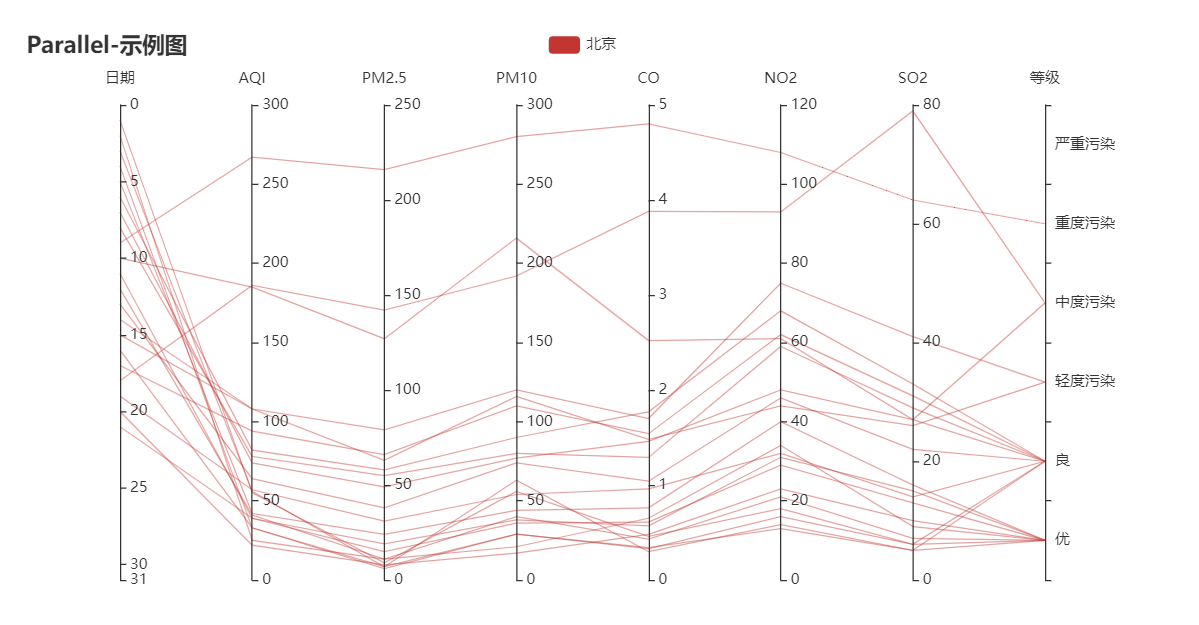
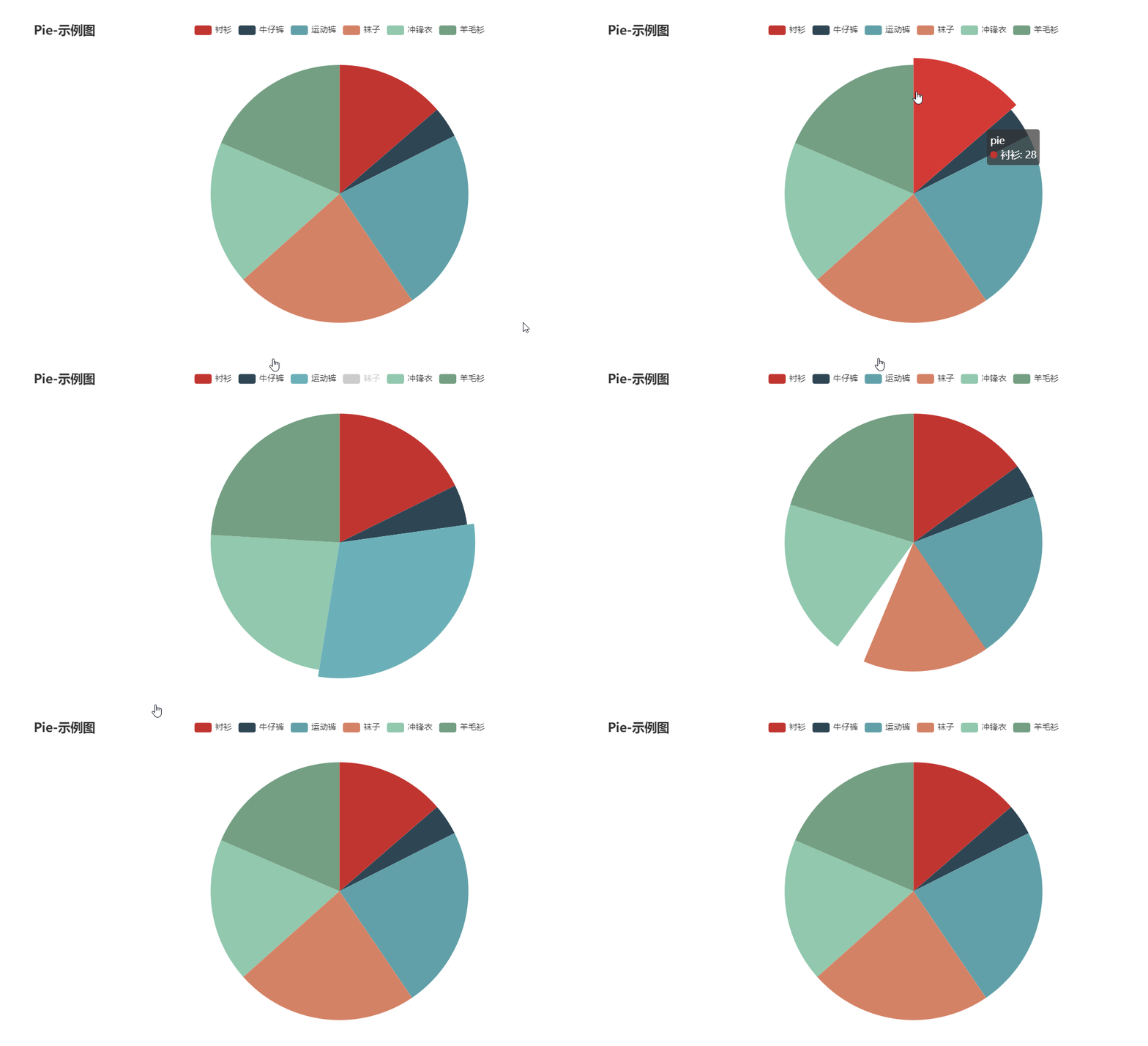
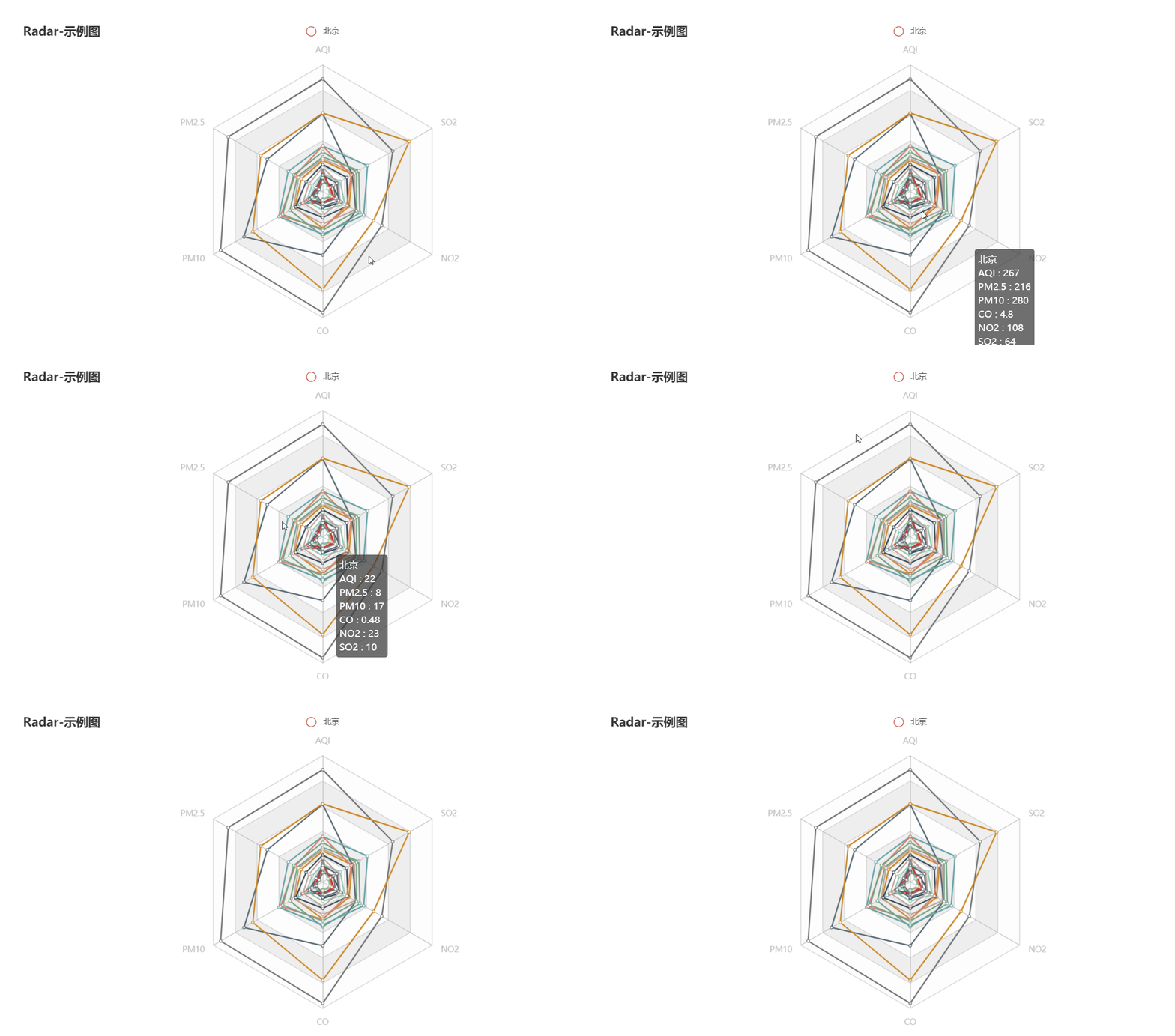
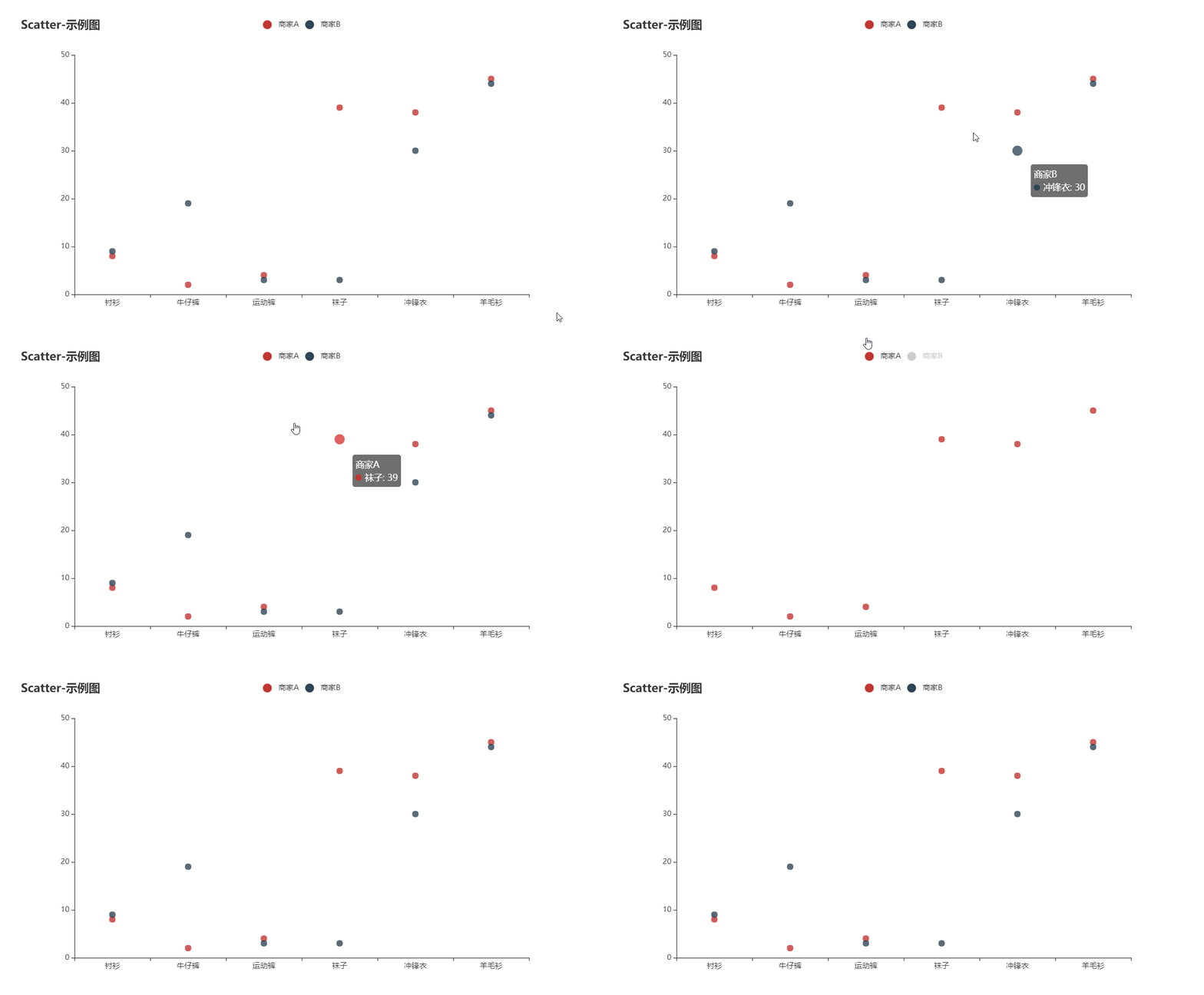
*The gallery GIF is from [chenjiandongx](https://github.com/chenjiandongx)*